LemoTV Smart IPTV setup
This guide is part of the LemoTV IPTV setup collection. It walks through configuring Smart IPTV (SIPTV) with your LemoTV subscription. For common account and playback questions, check LemoTV IPTV FAQs.
Smart IPTV (often called SIPTV) runs on many Samsung and LG Smart TVs. This LemoTV Smart IPTV setup guide explains how to register your TV, upload your M3U playlist, and load LemoTV channels.
Install Smart IPTV on your TV
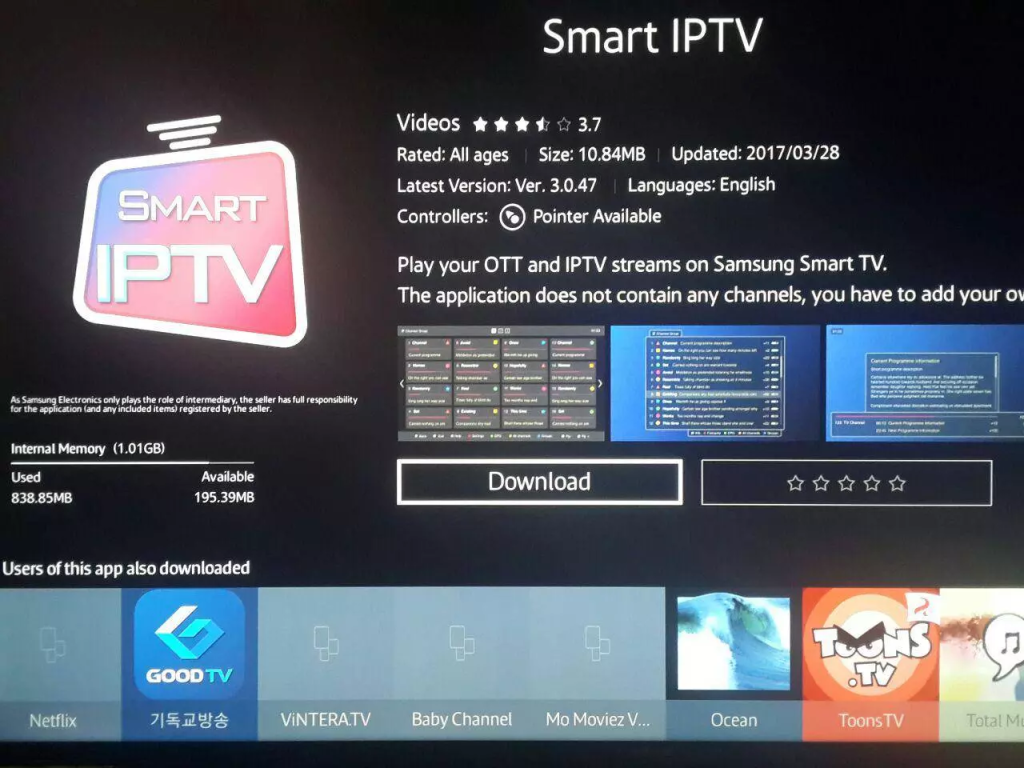
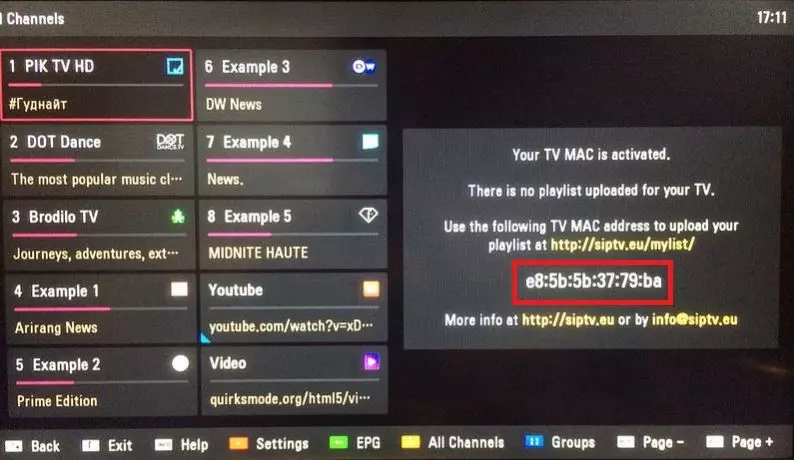
Search for Smart IPTV or SIPTV in your TV app store and install it. On first launch the app displays a MAC address—you need this to upload your playlist.
Upload your LemoTV M3U playlist
Step 1 — Note your TV MAC address
Write down the MAC address shown inside the Smart IPTV app on your television.
Step 2 — Use the SIPTV upload portal
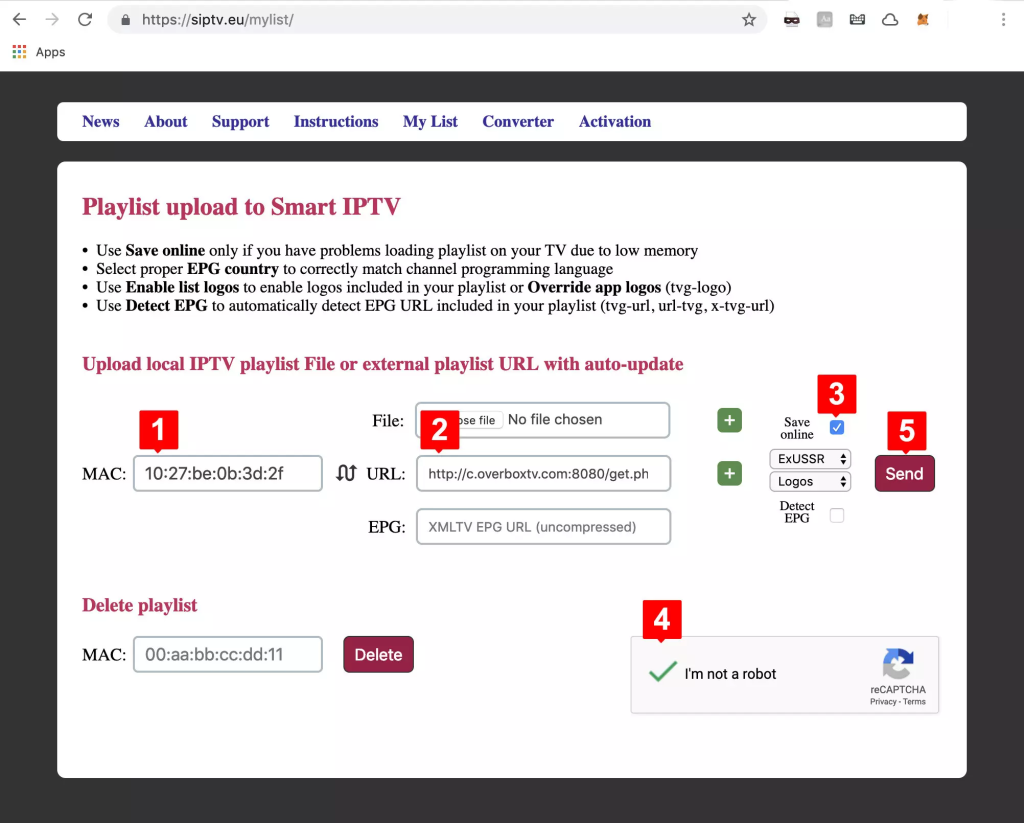
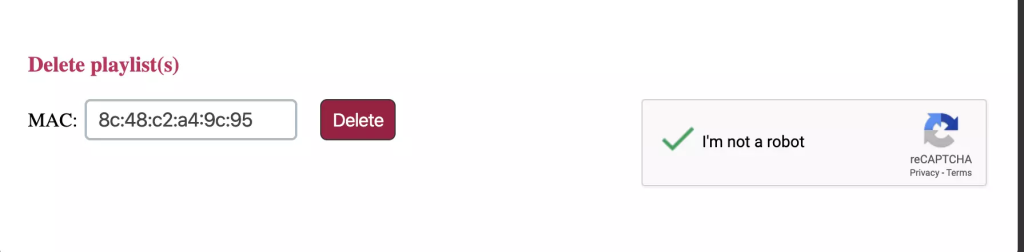
On a phone or computer, open the official Smart IPTV playlist upload page (search for “Smart IPTV upload” in your browser—the developer site). Enter your TV MAC address and paste the LemoTV M3U URL from your welcome message.
Step 3 — Save and restart the app
Submit the form, then on your TV open Smart IPTV and choose Refresh playlist or restart the application. Channels should load within a few minutes.
Trial and activation
Smart IPTV may offer a short trial before requiring a one-time app activation fee paid to the app developer—not to LemoTV. Check the app screen on your TV for current terms. For a free Smart TV option, see Home IPTV setup.
After you subscribe to LemoTV IPTV, you receive connection details in your welcome message—typically an Xtream Codes server URL, username, and password, or an M3U playlist link. Use only the credentials supplied with your account. Need a plan first? See LemoTV IPTV pricing.
Quick troubleshooting
- Confirm your LemoTV subscription is active and you entered login details exactly as provided.
- Restart the app and your device after adding the playlist.
- Test on a stable Wi‑Fi connection; Ethernet is preferred on TV boxes.
- If channels fail to load, try the alternate login method (Xtream Codes vs M3U) when your app supports both.
More fixes: LemoTV IPTV FAQs.
Related LemoTV setup guides
Home IPTV setup · IPTV Smart Purple setup · Setup hub · FAQs